
Coding
Coding for kids, from picture blocks to typed Python
Updated
Many children start coding with picture blocks around age 5 (ScratchJr or codeSpark), move to Scratch once they read comfortably, and try typed code in CodeCombat or Swift Playground when they want to write it out themselves. Hardware projects such as micro:bit can slot in at any point after Scratch.
Coding for kids is less about a particular language than about one idea: a computer can be told what to do, step by step, and the result shows up on screen. The tools below are grouped by the stage each one is pitched at, which gives a rough map of where a child is today and what tends to come next.
What age can kids start coding?
Picture-command apps are pitched at children as young as four, and putting commands in order is the heart of programming. Typed code usually arrives later, once a child reads and types with some ease, often somewhere between 8 and 12. Reading level tends to say more than age: a keen seven-year-old reader may get on with Scratch, while an eight-year-old who is not reading yet might find a picture-based app more approachable.
| Stage | What it looks like | Where to look |
|---|---|---|
| Before reading | Arranging arrows and pictures to move a character | ScratchJr, codeSpark, Kodable Basics |
| Away from screens | Acting out instructions, binary with cards | CS Unplugged |
| Blocks with words | Snapping labelled blocks into games and stories | Scratch, Blockly Games, Rapid Router |
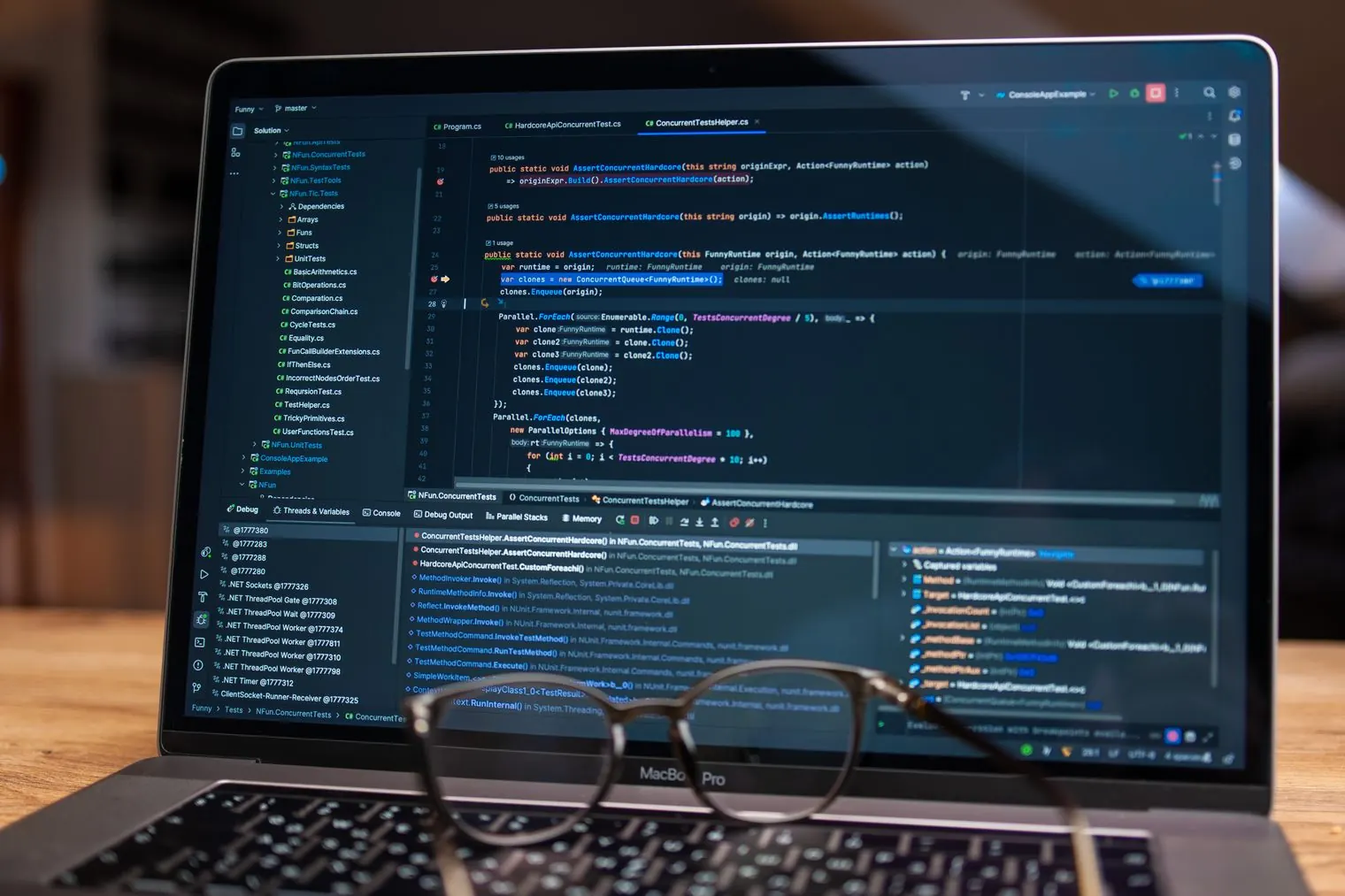
| Typed code | Writing Python, JavaScript or Swift | CodeCombat, Code Monster, Swift Playground |
| Things that move | Programming a board or a robot | micro:bit projects, VEXcode VR |
Before they can read
ScratchJr
Picture-based blocks tell characters to move, jump, dance or sing, and a row of those blocks becomes a small animation or game. The makers describe the blocks as designed for children who are not reading yet. A first project could be as small as one character doing two actions in order.
See ScratchJr on bored.kidscodeSpark
Coding puzzles with no reading required lead on to tools for making interactive stories and games. A child who likes a clear puzzle before facing a blank canvas might settle in here.
See codeSpark on bored.kidsCS Unplugged
Computing ideas without a computer: card-finding challenges, binary with cards, picture codes and Kidbots, where one person follows another’s instructions to the letter. Many activities come with a short guide and questions for the grown-up leading them, so it could fill a family evening around the table.
See CS Unplugged on bored.kidsBlocks with words: the Scratch years
Scratch
Scratch covers a lot of ground. Children connect blocks to control characters, add their own drawings and sounds, and build stories, animations and games. Starter projects and remixing give a first attempt some shape. One possible opening challenge: make a character respond to a click, then add a second action.
See Scratch on bored.kidsBlockly Games
A sequence of short puzzle games, each built around one idea: Maze for loops and decisions, Bird for conditions, Turtle for drawing with repeats and Music for functions. The last game, Pond, lets learners switch from blocks to JavaScript, which turns it into a bridge toward typed code.
See Blockly Games on bored.kidsRapid Router
Get a delivery van to a house with movement blocks, then tackle longer and trickier routes. The wider Code for Life path carries on to Python, so Rapid Router sits at the start of a longer road.
See Rapid Router on bored.kidsTyping real code
CodeCombat
Kids type Python or JavaScript to play through game challenges, and each line has a visible effect in the game. Younger children have a separate route, CodeCombat Junior, which the publisher pitches at kindergarten to grade 5.
See CodeCombat on bored.kidsSwift Playground
Apple’s lessons and puzzles use typed Swift, and every change shows a result straight away. Learners meet commands, loops, functions and variables, and can go on to build app screens with SwiftUI. It may interest a child who wonders how apps are made, though it only runs on Apple hardware.
See Swift Playground on bored.kidsRaspberry Pi Foundation projects
Step-by-step projects in Scratch, Python and web development, organized around interests such as games, music, stories and art. Beginner Scratch projects include musical instruments, a paint program and a boat-racing game. Most projects look as though they need nothing beyond a browser.
See Raspberry Pi Foundation projects on bored.kidsCode that moves something
micro:bit projects
The micro:bit is a small programmable board with lights, buttons and a motion sensor. Projects are sorted by level and by feature, and some programs run in an on-screen simulator before there is a board on the table.
See micro:bit projects on bored.kidsVEXcode VR
Program a virtual robot to drive through a maze, draw initials with a pen or solve challenges with sensors. Everything runs in a simulated playground, so no physical robot is involved.
See VEXcode VR on bored.kidsFor a bigger project, Microsoft MakeCode puts a retro arcade game editor and a micro:bit editor in one place, and MIT App Inventor lets kids build a working phone app with blocks.
Questions parents ask
Scratch or ScratchJr for a six-year-old?
ScratchJr is listed for ages 5 to 7 and uses picture blocks, so it may fit a six-year-old who is still learning to read. Scratch uses blocks with written words and goes much further, and a confident reader of six or seven might be ready to try it.
Do kids need to learn Python?
Not to begin with. Block coding works with many of the same ideas: order, repetition, decisions and variables. Python tends to come in when a child wants to move past blocks and type, and CodeCombat and the Raspberry Pi Foundation’s Python projects both start there.
Can kids learn coding with a teacher online?
Providers such as CodeWizardsHQ and Codingal run live classes that, by their own descriptions, begin with Scratch and move on to text coding. The guide to live online classes for kids compares the formats.